Setup
Configure once, in the order it has to be done.
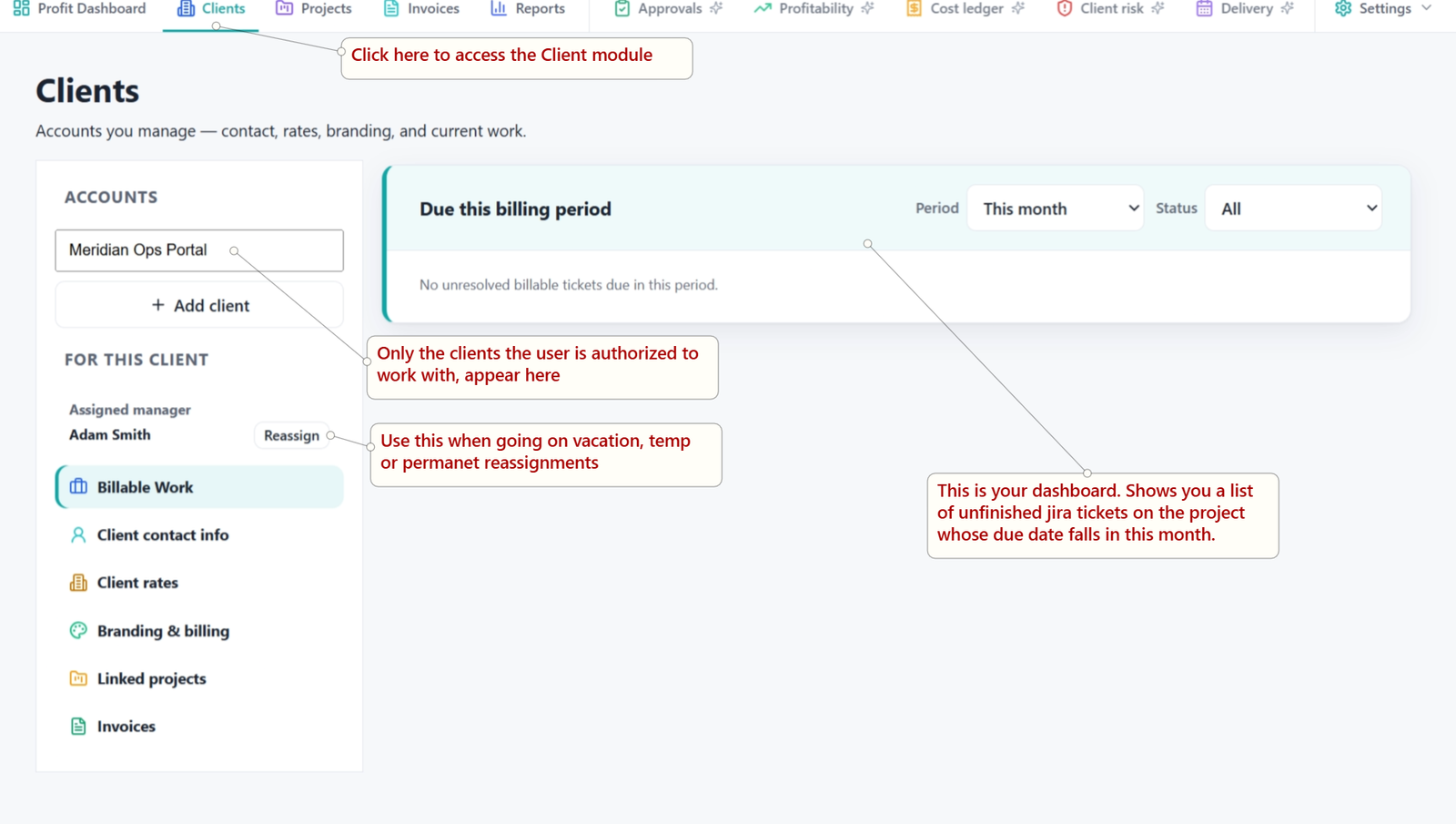
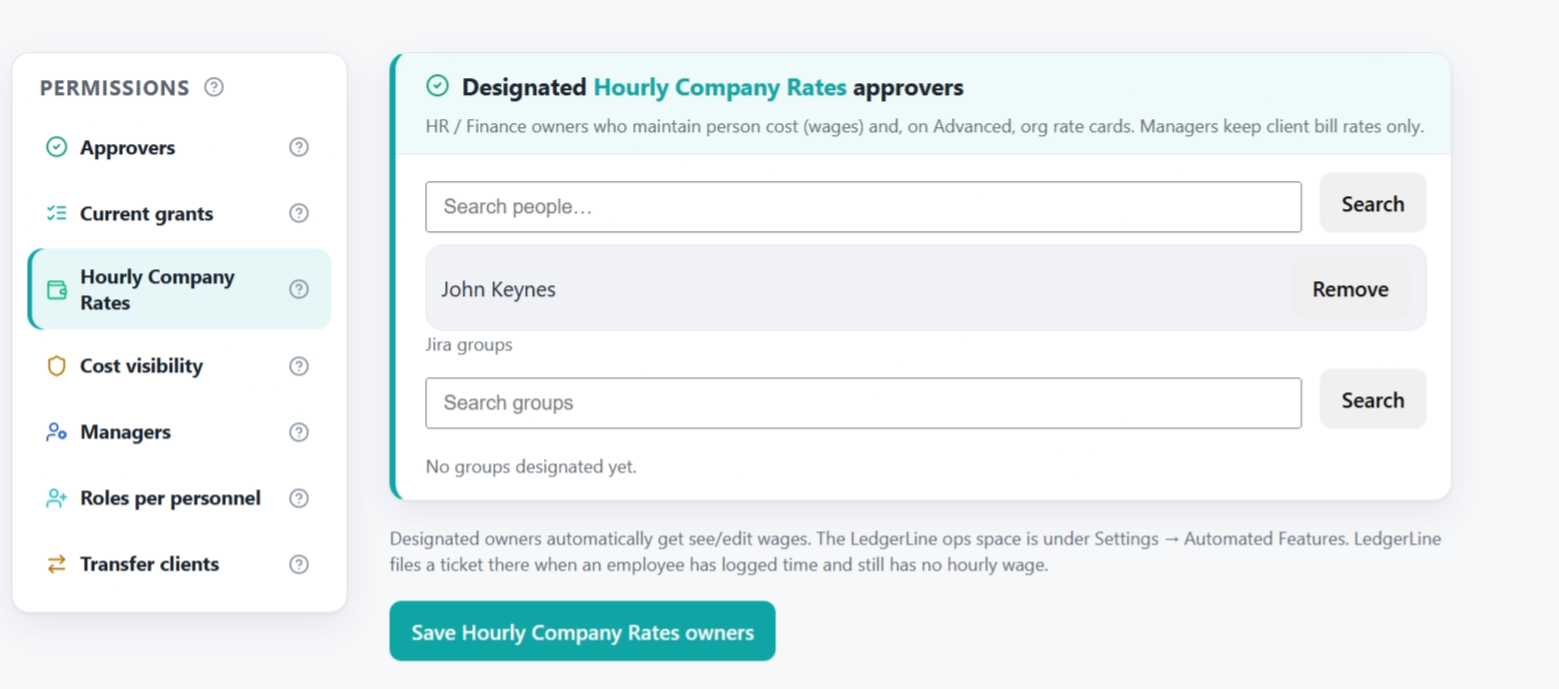
Assign administrators and managers, create the ops space, add clients, set rates, and finish each linked project.
- LL Administrators and Managers
- Clients linked to one or many projects
- Contract rates and personnel wages
- Optional QuickBooks or Xero connect
Getting started docs
Bill
Draft, review, send, then mark paid.
Invoices grow from hours already in Jira. Managers review the draft, hand off to accounting, and close the loop when payment arrives.
- Draft invoices from logged time
- PDF download or accounting handoff
- Credit notes when you need them
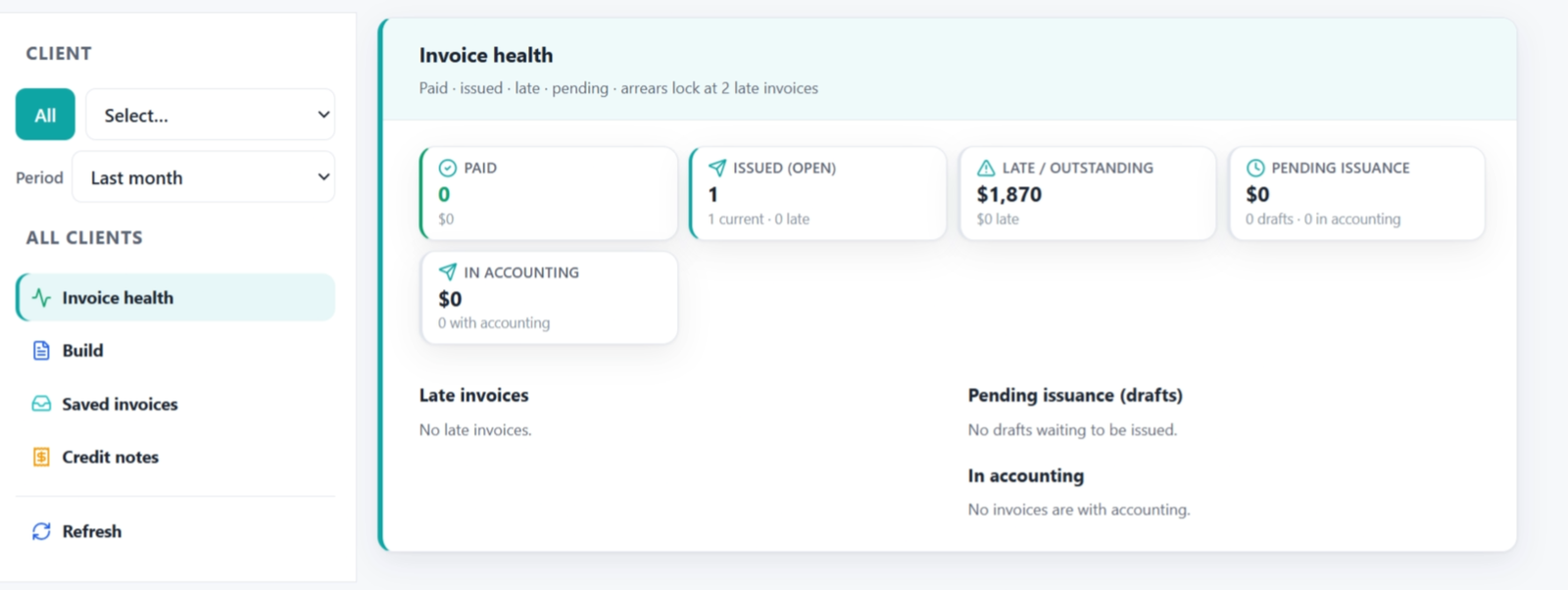
- Reports for the paid or unpaid picture
Your first invoice
Automate
Automated tasks without burning Rovo credits.
Missing-wage tickets, manager welcomes, optional month-end drafts, and payment checks — complex ops programmed into the app.
- Missing wage tickets
- Optional invoice draft jobs
- Unfinished work reminders
- Payment-check follow-ups
Automation docs