Empower employees
Leaders help people grow — and still flourish on the job.
Cadence is built so leaders can assist employees in keeping a healthy balance: develop,
deliver, and stay grounded. That story lives in Week Compass — beside the work calendar,
not as a separate wellness brochure.
- Roles — the hats people wear at work and in life, so balance is visible
- Big Rocks — the few things that must move this week, as Focus before the sand
- Renew — Physical, Social, Mental, Spiritual — stay effective by not running empty
- People remain the most valuable piece of the business
Week Compass docs
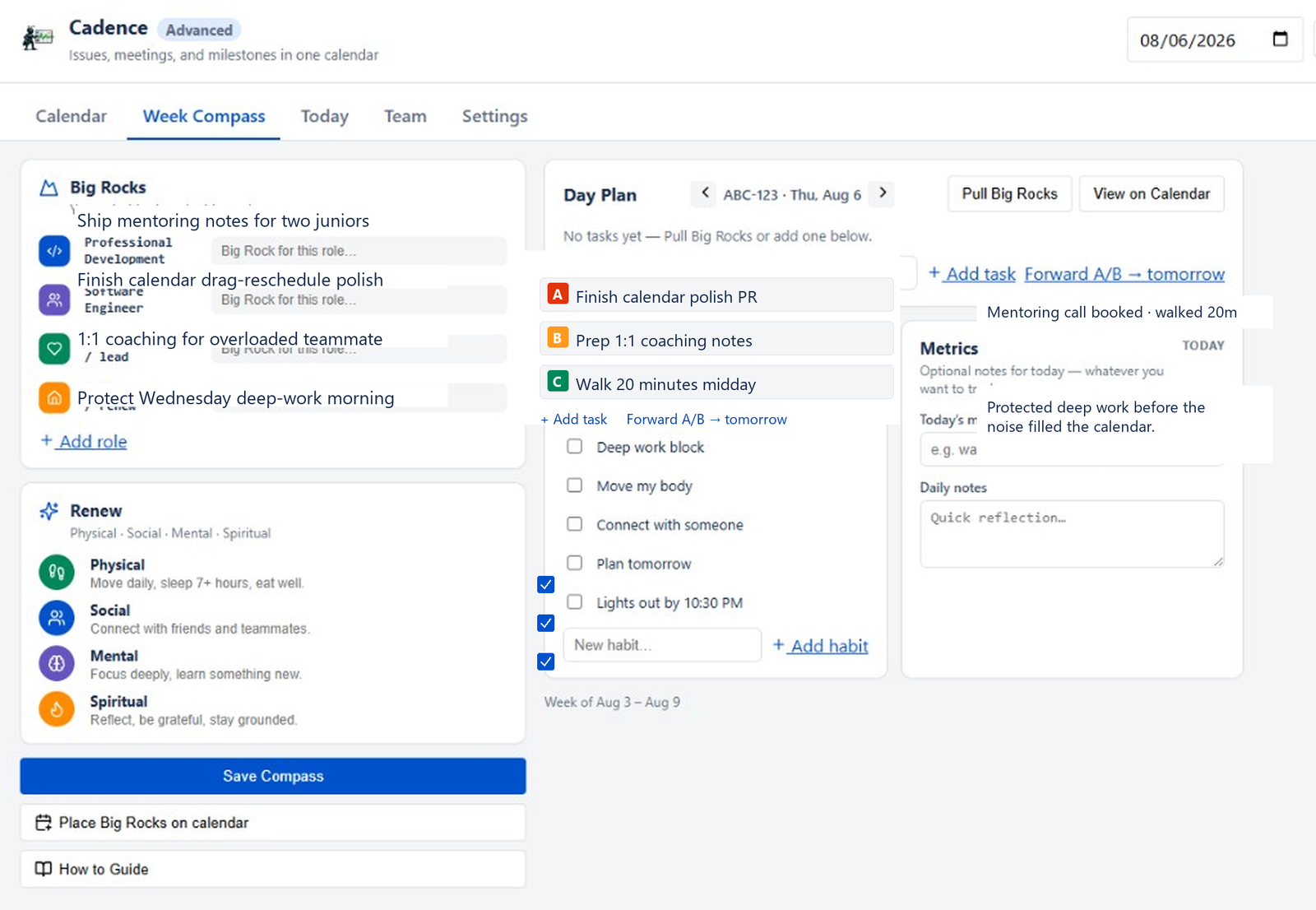
Week Compass
Your map for the next seven days.
Roles, Big Rocks, Renew, and a daily ABC plan sit beside the work calendar — so growth and
delivery share the same frame.
- Roles — balance is visible, not optional
- Big Rocks — placed on the calendar as Focus blocks before the noise
- Renew — Physical · Social · Mental · Spiritual
- Built for the person doing the work — and the lead who coaches them
Get started
Day Plan · ABC-123
Must finish, important, and optional — with habits that protect delivery.
Day Plan tags focused work, manage, and fill the tank. Daily Tracker is light habits and
notes — not a timesheet.
- ABC-123 — must finish, important, optional
- Tags — focused work, manage, fill the tank
- Daily Tracker — habits and notes that protect delivery
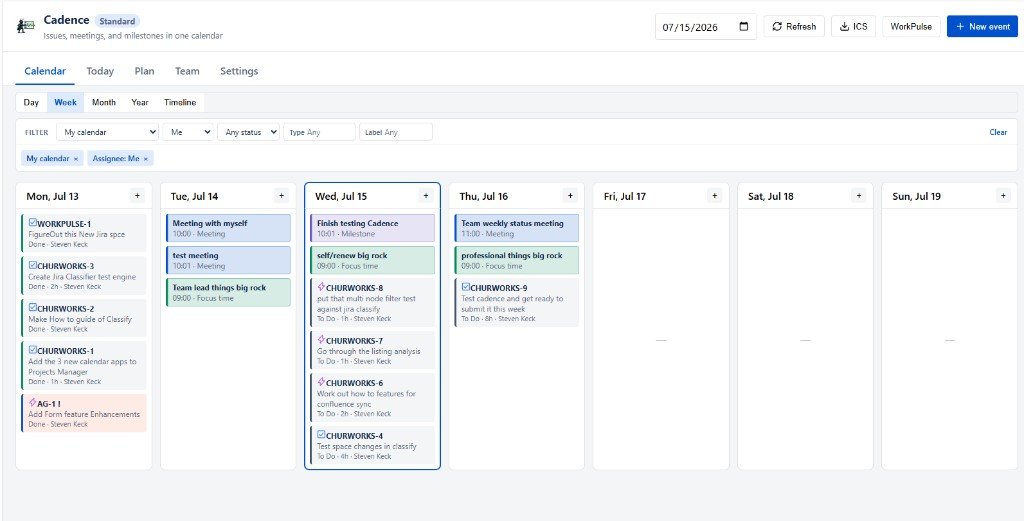
- Mixed calendar still carries issues, meetings, and life beside the plan
Today & Team docs