Step 3: Settings
Follow the steps in the bottom left panel. Pay attention to the ones that "needs attentions" status.
 Explore apps
In a new or existng page, you can use the / or + method to insert the Form Hub macro.
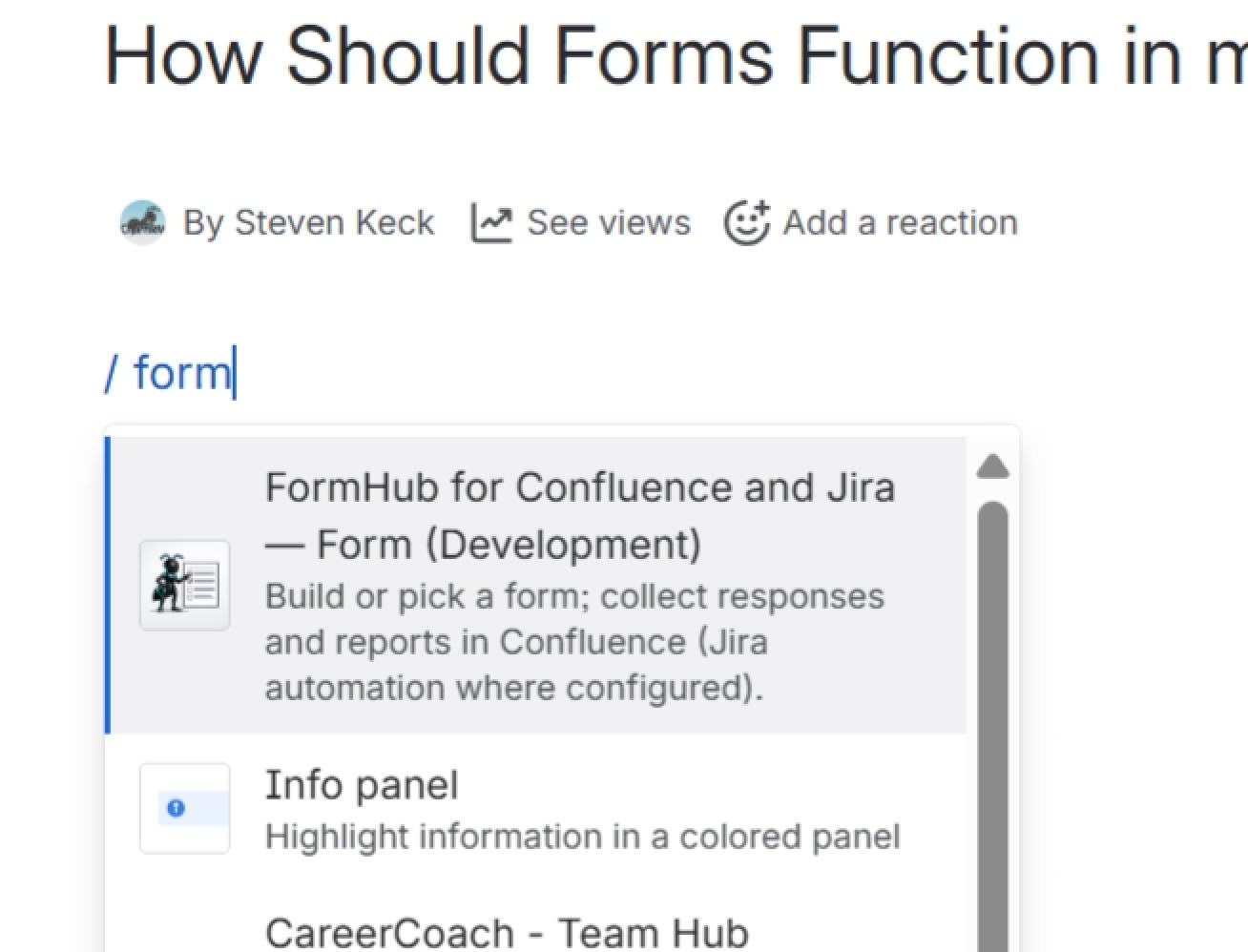
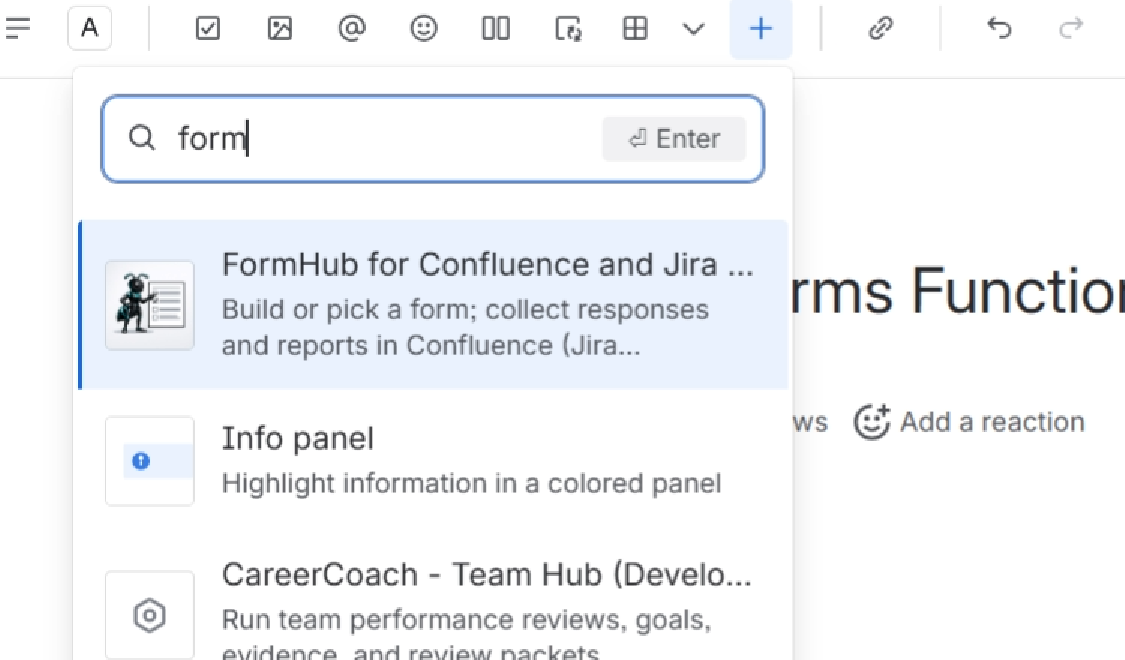
From left hand panel, select 1 or 2 for prepackage templates. Option 3 let's create your own or choose from previously created ones.
Then select Open in Form Designer.
Follow the steps in the bottom left panel. Pay attention to the ones that "needs attentions" status.