
Form Selection
Before select which form
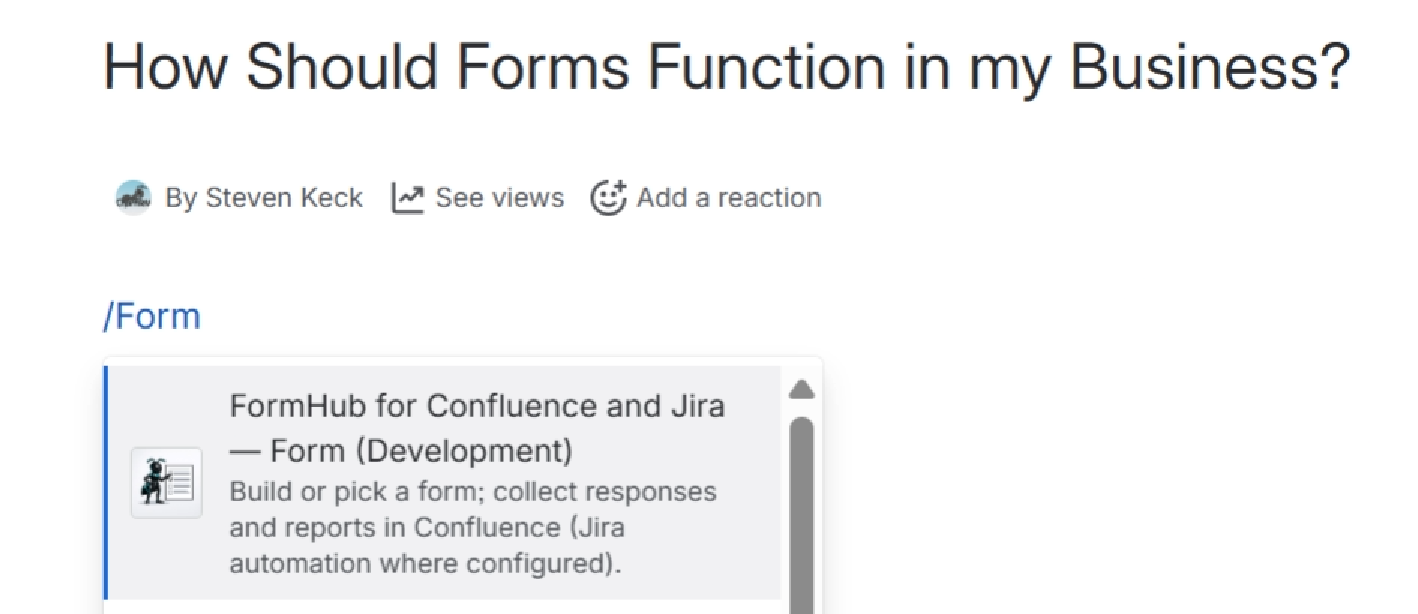
Let's get the FormHub macro onto your page. Use the /form (type on the page) or click + (more content icon in toolbar).
Click the FormHub macro.
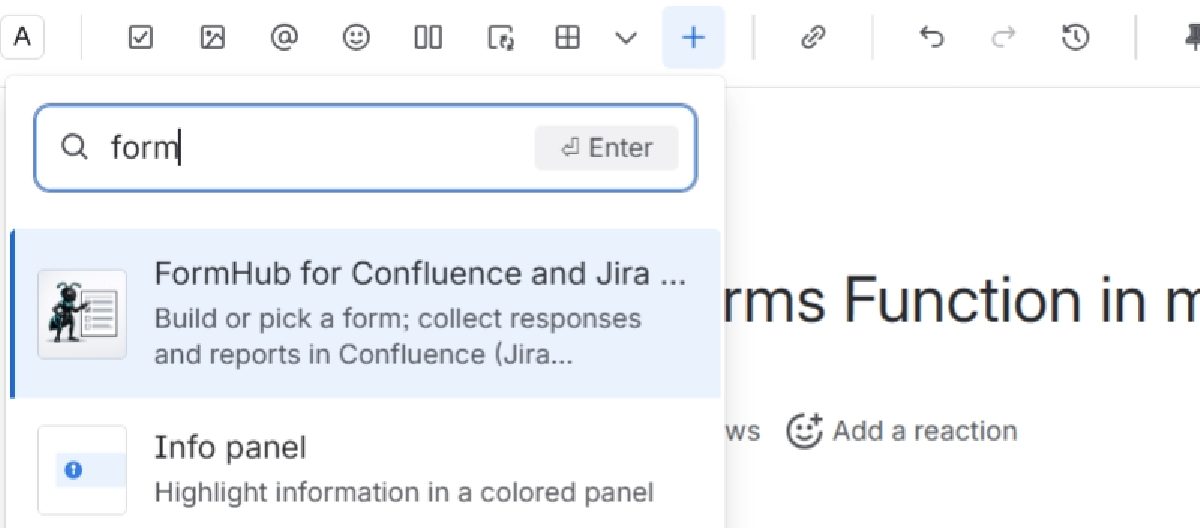
click +, type in form for the FormHub macro to display, then click it.
Form Selection Time!
A note about the selection Page.
There are 3 sections, the left provides 3 options:
- Recommend Templates:
- This will change over time. To start, it is list of our 20 most popular provided templates. But over time, the 20 most used forms in your Confluence instance will make their way here.
- All Templates
- This is all the templates in FormHub. It's not all the forms because you have to choose to have your form become a template.
- You can search the templates, filter by the Main categories. then sub categories (look below for the collapsible lists).
- Blank/Custom
- Make a brand new form
- Select from your spaces previous forms.
The middle panel contains existing form templates you can select.
The far right panel displays the information about the specific form from # of fields, its submit actions, and it has the the Open in Form Designer. Click that when you are ready to move on.
The image below shows the path for 1 &2.
Blank / Custom has its own page. It's special.
Blank / Custom has its own page. It's special.
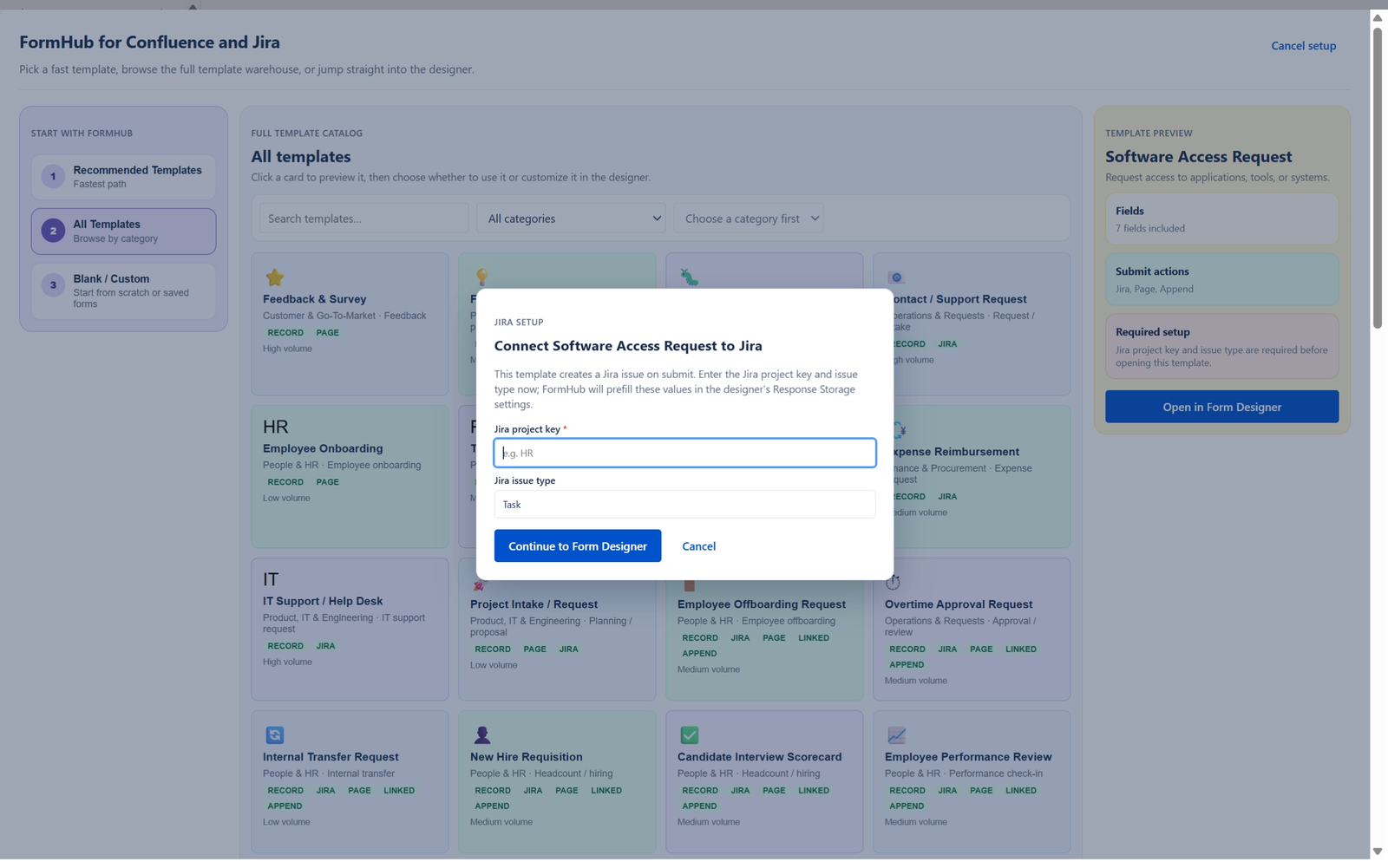
The three selection optionsForm Template cardEnter the primary Jira space/project keyafter selecting the form card, click here.The selected card is highlighted here.