
Installation Steps
Installation Steps
1. Open FormHub in Atlassian Marketplace.
2. Install it on the target Confluence Cloud site.
3. Approve the requested app permissions.
4. Confirm the license or trial is active.
If the organization will create Jira issues from form submissions, Jira Cloud should be available on the same Atlassian site.
Smoke Test
1. Open Confluence and confirm `FormHub` appears in the Apps navigation.
2. Edit a test page, open the macro browser, and confirm the FormHub form macro appears.
3. Open Confluence app administration and confirm `FormHub settings` is available.
If one of these is missing, refresh Confluence and check whether Atlassian is waiting for an app approval, license activation, or consent update.
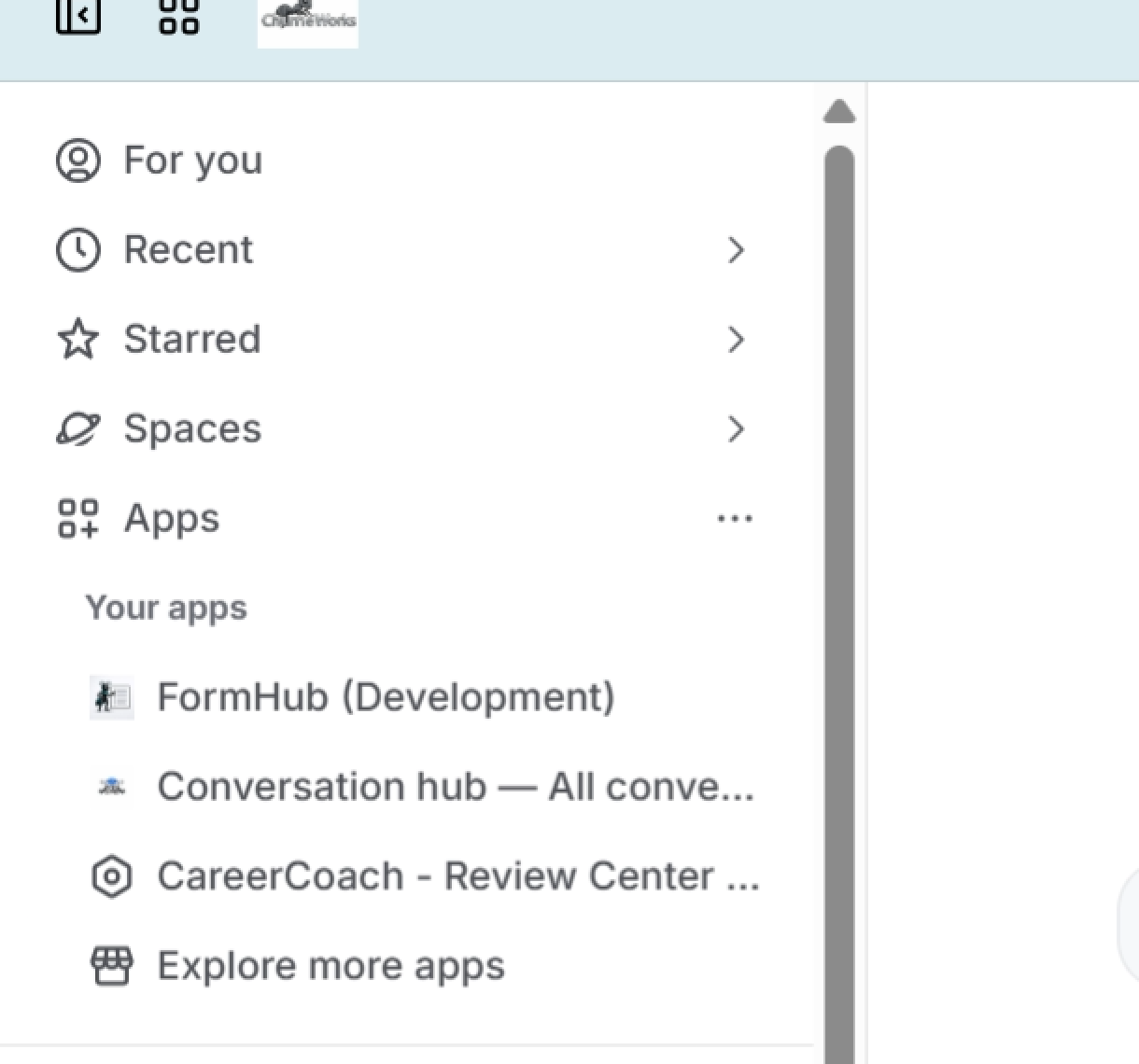
Check here that FormHub has been installed.
Smoke testing a form
Use the Fast start to insure it's a go and to familiarize yourself with the app.