Adding Time
How to Manually Add Time
What if you forgot to use a timer? Or they are all used up? How can you enter time. There are actually 3 other ways.
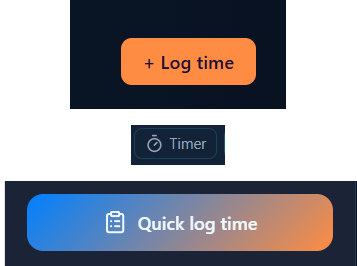
- In the right side, the orange +Log time
- In the ticket block, the +Time button
- Bottom of the app, left corner, the Quick log time
+Log Time & Quick log time
This is to be used solely for logging time to an issue. The form fields are:
- The issue ID
- A summary of the work you did
- How much time you spent working the ticket
- And if it's billable or not
- Click the orange Log button
This will not only log it in Work Pulse, but in the ticket's work log.
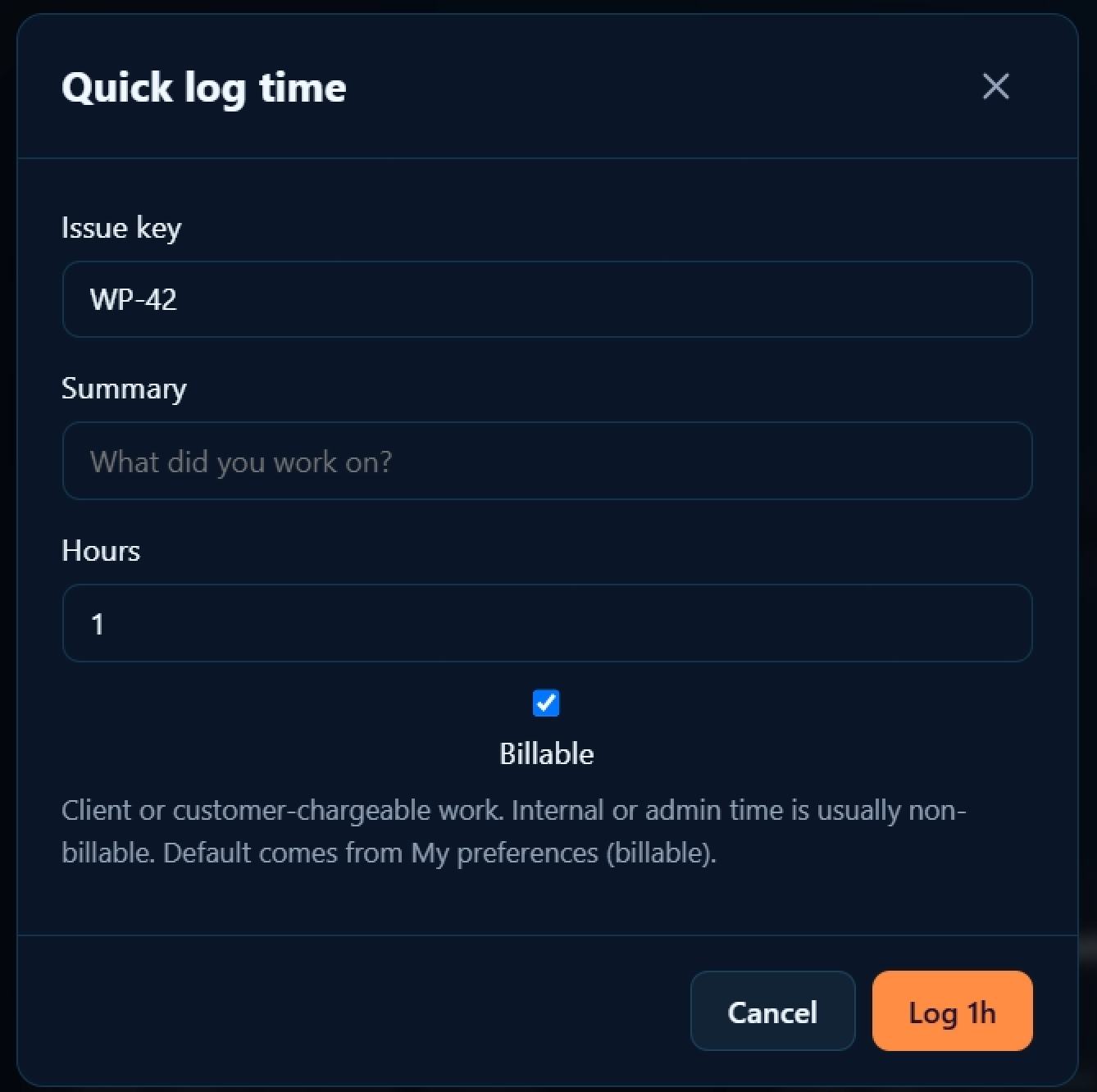
Paste or type in the Issue key here.
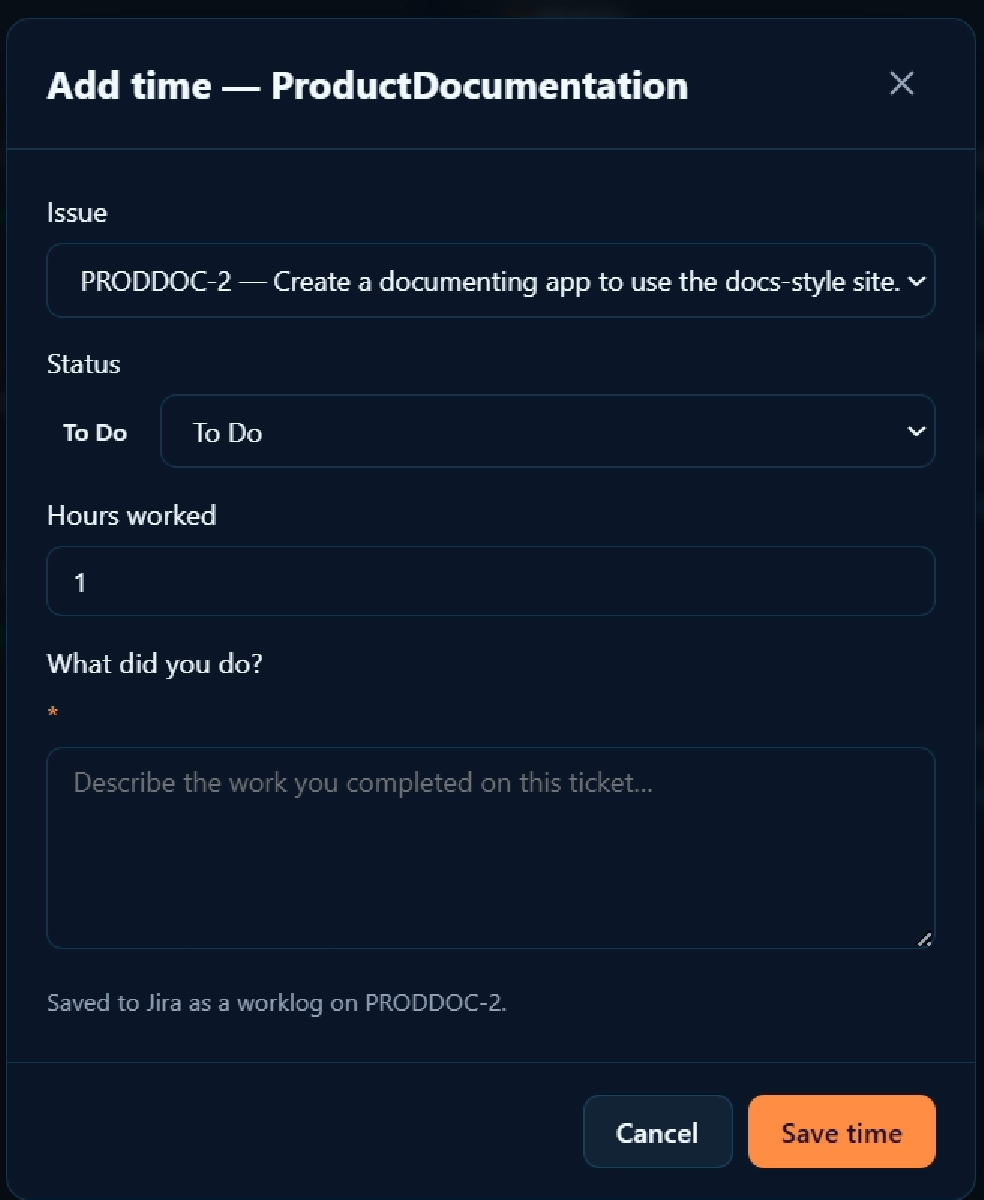
+ Time
Run down of the field:
- Issue: all the ones in the project in Work Pulse can be selected
- Status — if what you have done requires the status of the ticket to change, do that here
- Hours worked
- What did you do
- Click Save time to record what you did
Left side items
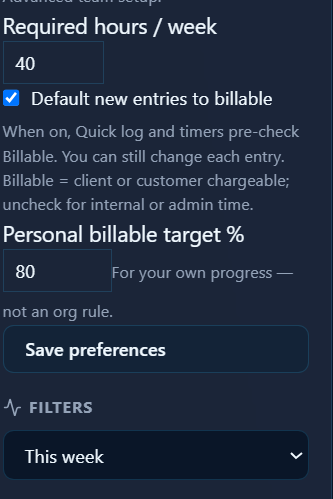
Perhaps you only need to log 30, or 20 hours, set it here int the Required HoursIf your work is not billable, unclick the Default new entries to billable button.
Set the % of your hours that must be billable.
Filters allow you to change which tickets are viewable.:
- This week
- Last week
- This month