

Deep Dive Guide
Let's go Slower, and talk about everything
WorkPlus really is a burden lifting tool. Every ticket assigned to you on one page. You can log time, add comments, change the status, and if the Converse, the forum hub for Confluence and Jira is installed on your system, you can converse with your team mates about the issue and have it save the conversations, decisions for you.
Enough of the set up, let's dig in.
How will this improve your day
There is no need to bookmark after you spend several minutes to find your kanban, board, or however your team groups all the team tickets together. No need to set filters, to use search, or scroll past ticket after ticket to find the one you need to work on now.Nope. That headache is gone.
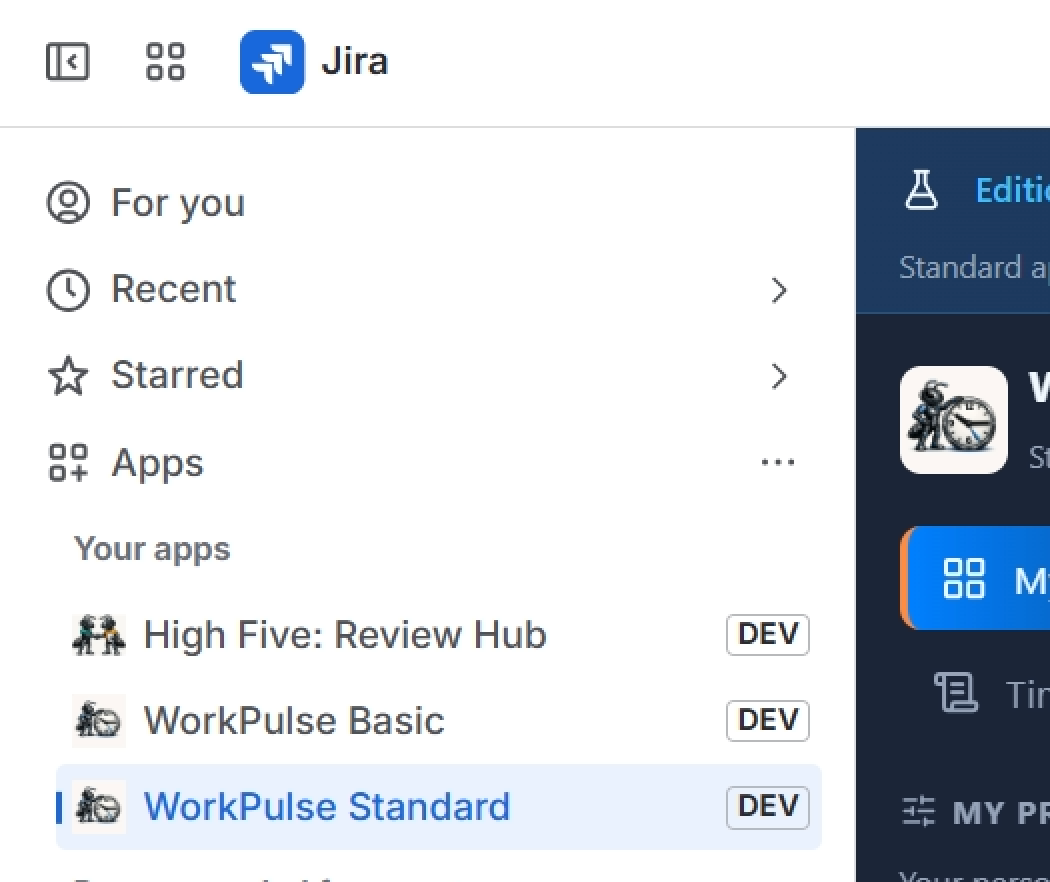
All that is needed is to open Jira, click Apps, click on Work Plus Standard and within seconds, all your tickets are displayed under their project header. Organized by Due Date, and in an easy to read format, you can start timers, add time, or change the status right there.
Don't take my word for it. let's look at it.
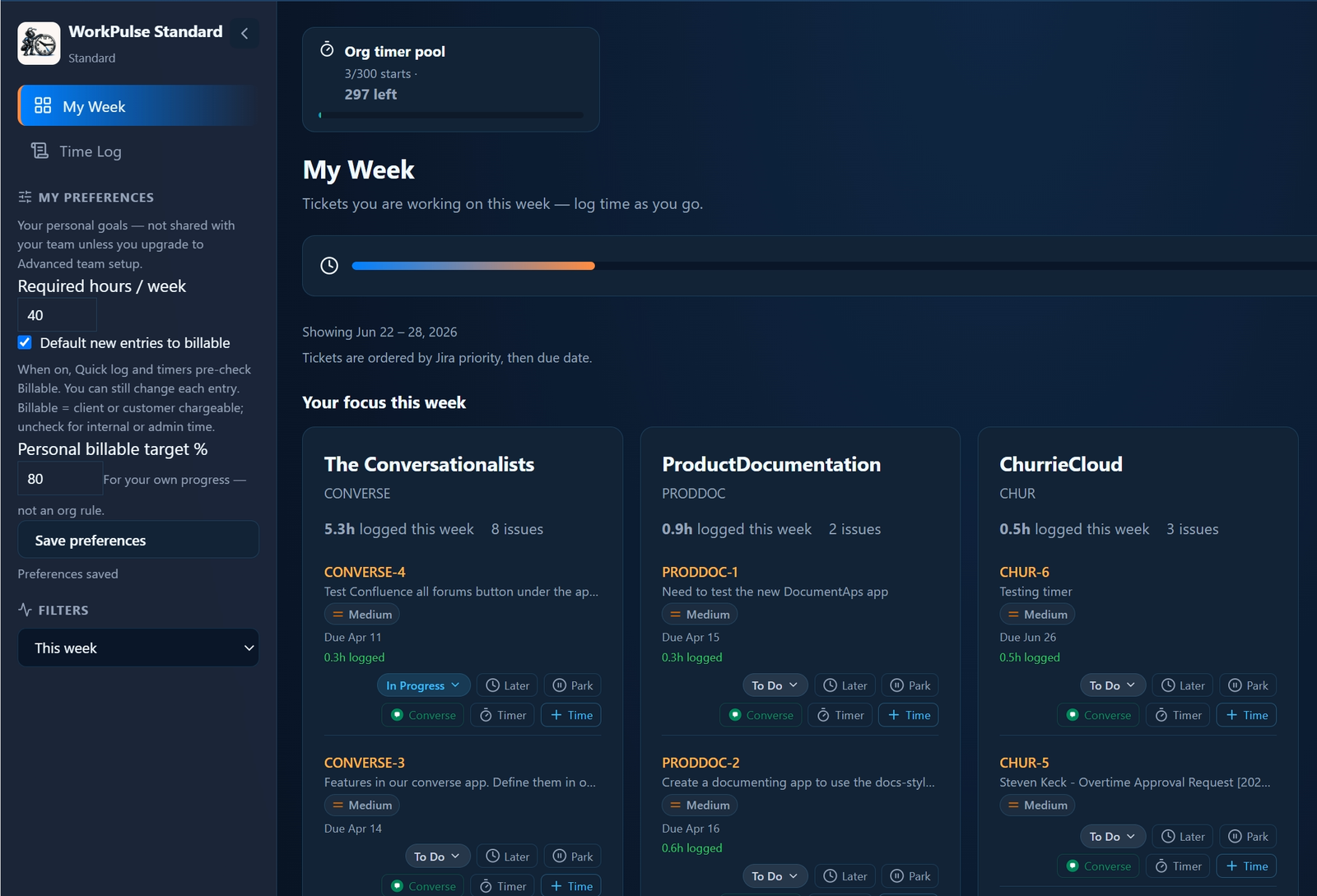
Maybe you have a personal goal that differs from your team's requirment, if so, set it here.Automatic Timers
There are 300 timers for the Entire organization. They are unlimited in the Advanced edition.
They reset each month.
To the left, a quick insight to how many are left.
You start it by clicking Timer in the issue.