

Greenlight Standard documentation
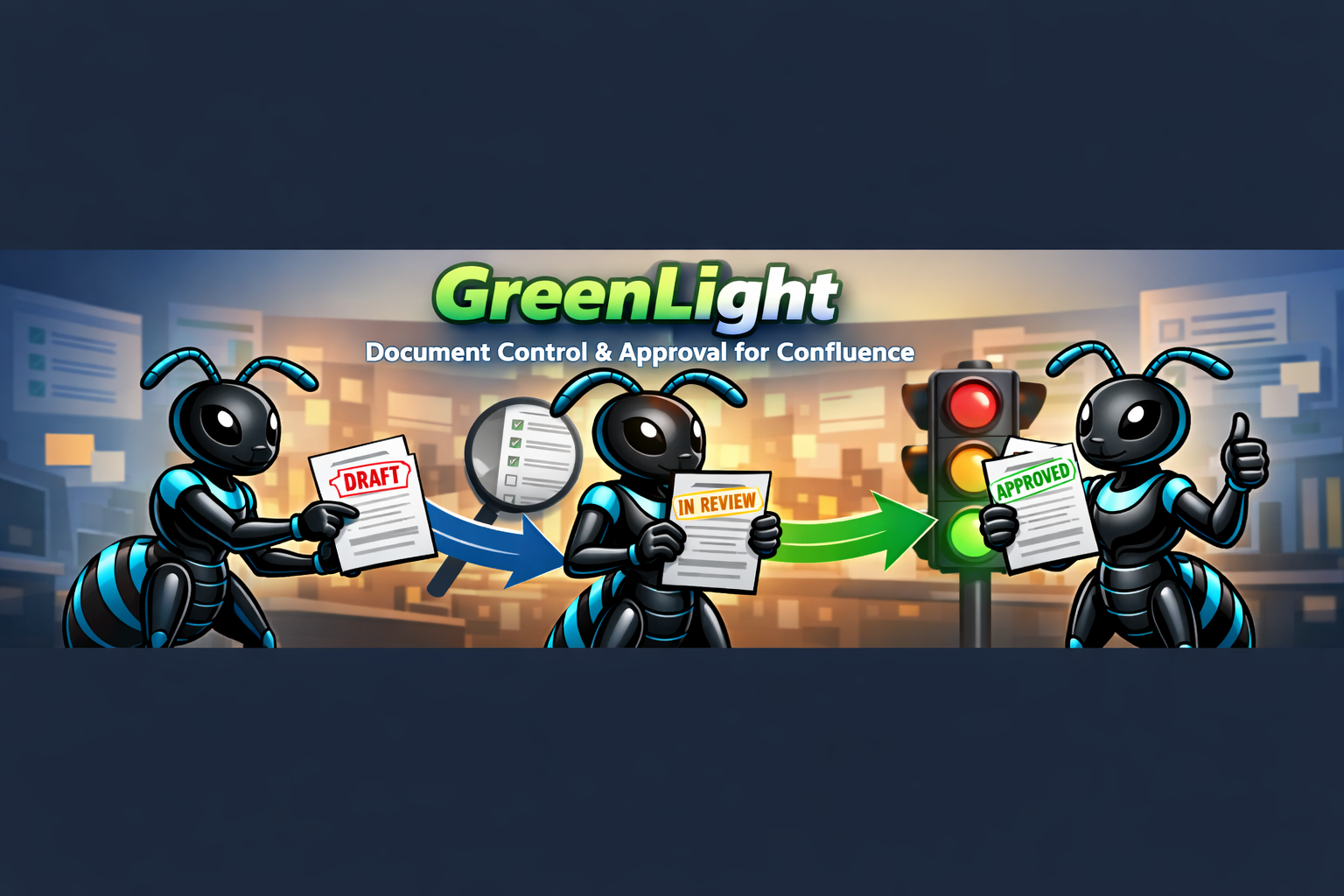
Greenlight adds governance to the Confluence pages your team already writes. Status badges, linear approvals, page lock during review, @mention notifications, and an audit trail — without a separate authoring tool.
Installation
Install from Marketplace and set the one Standard option: page lock.
Get started
Submit a page for review, approve it, and publish — step by step.
In-depth guide
States, lock, notifications, withdraw, and audit trail.
Approval macro
Optional in-page Greenlight Approval macro — insert, review, auto-remove on Publish.
FAQ
Quick answers about Greenlight vs Confluence Publish and more.
What Greenlight governs
Greenlight does not replace Confluence editing. It governs pages where they already live:
- Draft → In Review → Approved → Published (plus Rejected)
- Status in the page byline: Greenlight · Draft, and so on
- Approval panel to assign reviewers, due dates, and instructions
- Optional Greenlight Approval macro for inline review actions on the page
- Page lock to owner + reviewers while In Review (optional, recommended)
- Notifications via Confluence comments with @mentions
- Full audit trail per page