

In-depth guide
Everything Standard does under the hood — so your team knows what to expect during real reviews.
Where Greenlight appears
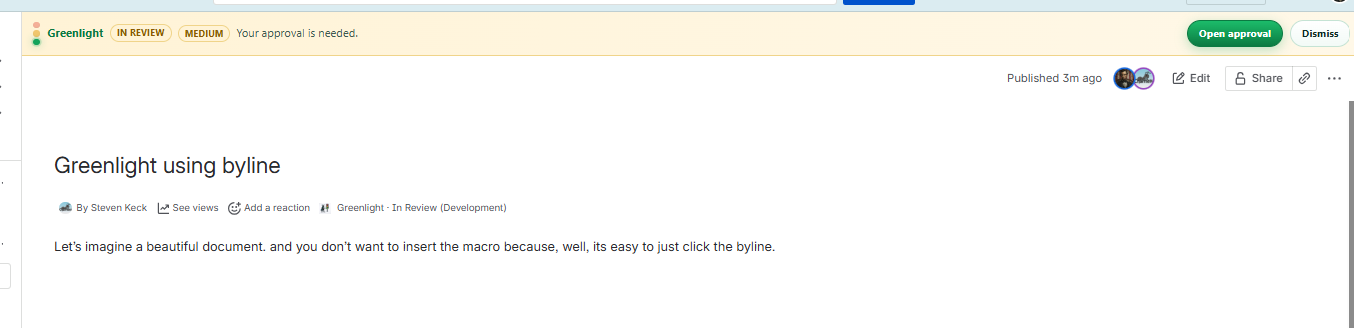
- Byline — Greenlight · {state} under the title; opens the full panel
- Page banner — during In Review / Approved / Rejected with Open approval (hidden when the Approval macro is on the page)
- Greenlight Approval macro — optional in-page status and review actions; see Approval macro
- Content action — Greenlight Approval from the page actions menu
- Apps → Greenlight — site defaults (page lock) and pending approvals dashboard
Linear workflow rules
| Rule | Behavior |
|---|---|
| Consensus | All assigned reviewers must approve. |
| Rejection | Any reject moves the page to Rejected. |
| Self-remove | Reviewers cannot remove themselves — reject and ask the owner to reassign. |
| Due dates | Set on submit; overdue shows in the UI. |
| Withdraw | Owner can Withdraw to Draft to cancel a review. |
| New revision | Published → Draft starts a new cycle after changes. |
Page lock during In Review
When lock is enabled:
- Only the page owner and assigned reviewers can view/edit
- Lock lifts when the owner Publishes in Greenlight (or withdraws)
- Spaces must allow Add/Delete Restrictions or lock fails (Confluence Free cannot lock pages)
Notifications
- Greenlight writes a Confluence comment with @mentions for reviewers
- Confluence’s native email / in-app notifications do the rest
- If the Confluence page is not published yet, notifies are queued until first publish
Audit trail
Every page keeps an audit trail of state changes, assignments, approvals, rejections, due dates, and restriction events. Open the panel and expand Audit trail when you need a record of who did what.
What Standard does not include
These belong to the upcoming Advanced edition:
- Suggested edits / review comments workflow beyond approve-reject
- Editable categories, teams, and routing
- Jira stage tickets for time logging
- Converse-linked discussions on the approval
- E-sign, scheduled reminders, content expiry