

Classification Location
What get's classified
In this section, we learn about which sections you can classify and how. And where the classification's are listed.
Not everything needs to be classified, but the over all page does, and it is.
Details and Classification-List-Panel
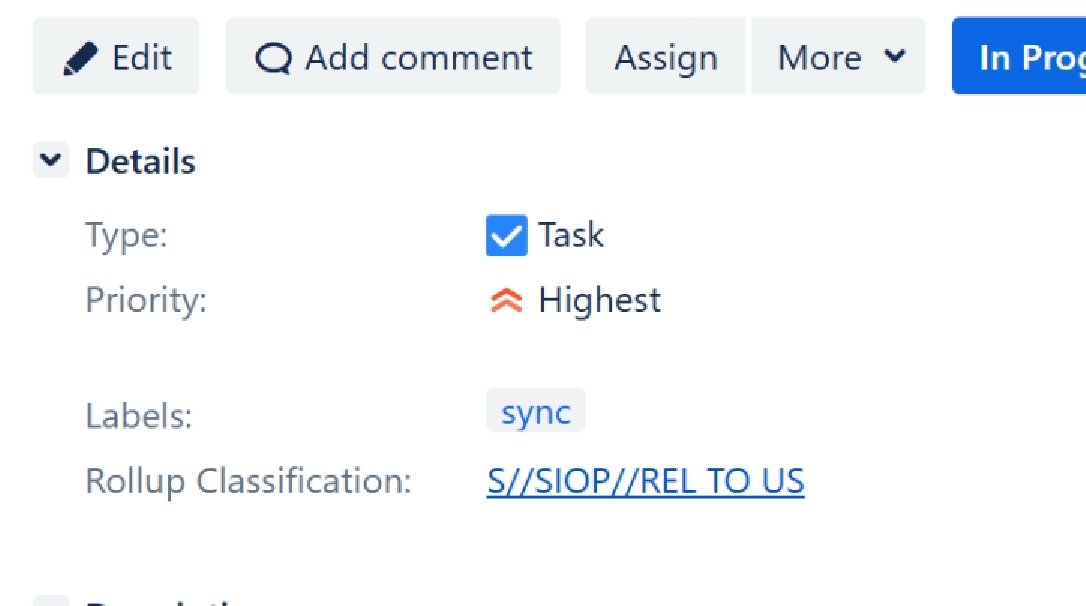
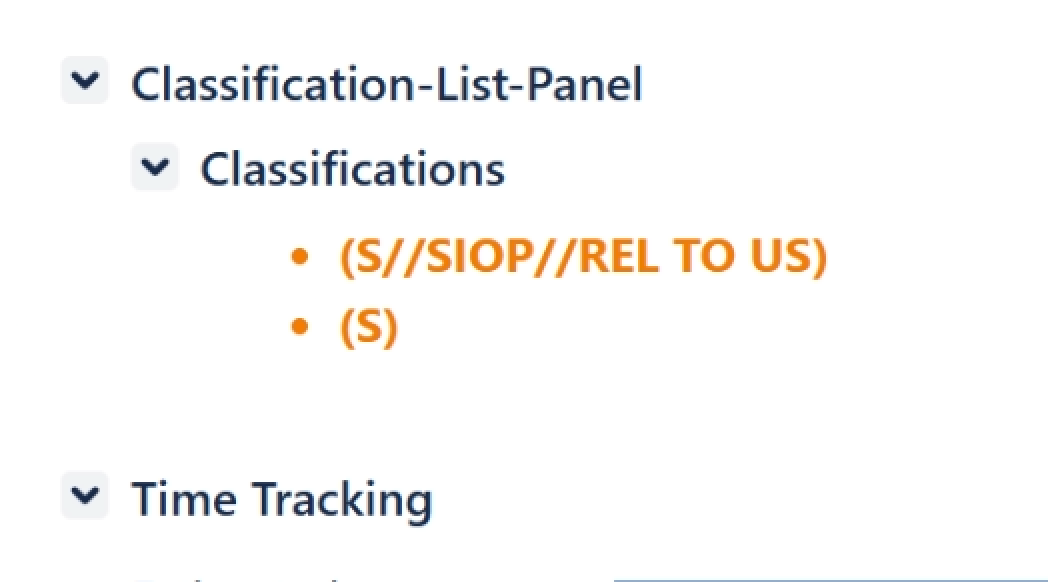
Details is where the Rollup Classification value lives. From here, the banner announcing the issues classification is pulled. It is also where the permissions groups are decided off of.Classification-List-Panel contains a unique list of the classifications found in the issue.
Description and Comments
These two areas can have the most varied of text entries. You may find it necessary to portion mark them.
We've inserted into the tool bar our app icon. Click on it to select from the Level's Compartments, and Releases available to you, based on the groups you belong to.
If it is a classification not present before on the page, it will be inserted into Classification list and upon save trigger a new rollup calculation. If the result of that is a more restrictive rollup, then it gets moved to the Rollup Classification field and the banner is updated.
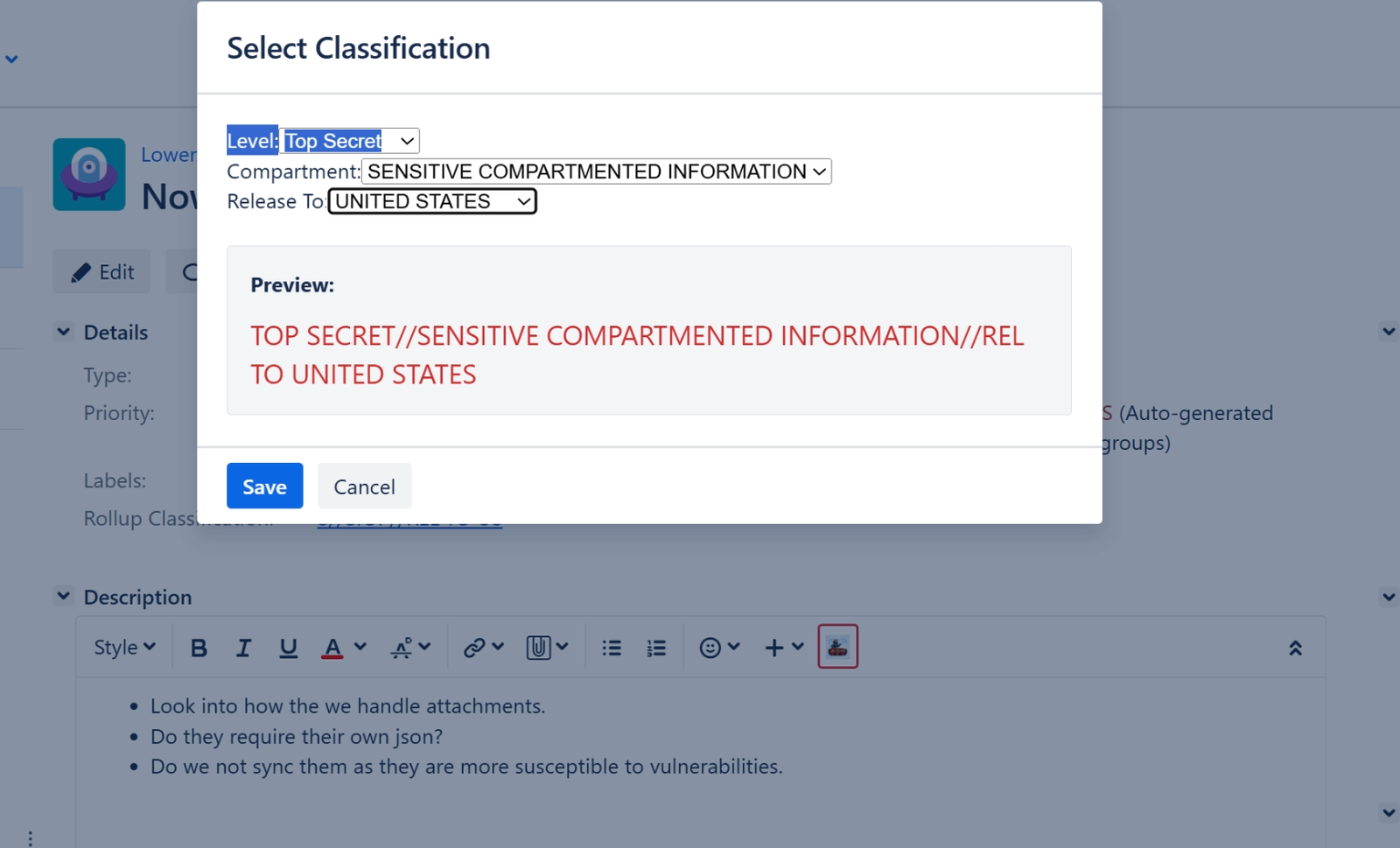
click here to get the Select Classification DialogDisplay format
In the configs, you can set how the classifications are displayed.