Project Classification Setup
Project Classification
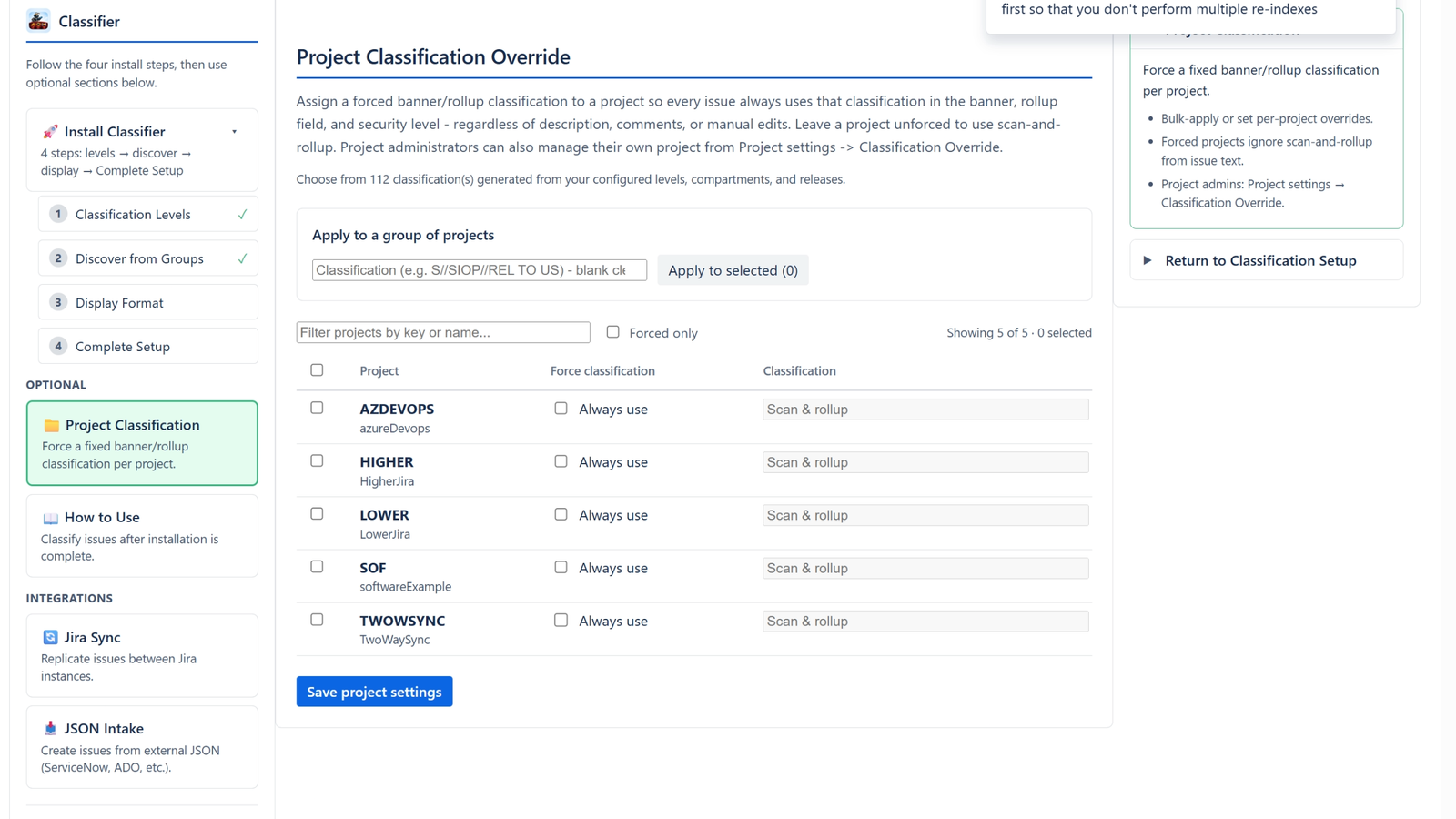
Force banner/rollup classification per project or in bulk.
- Select one or more projects and apply a classification to all of them at once.
- Or toggle Always use on an individual project and enter its classification.
- Forced projects ignore description/comments; unforced projects use scan-and-rollup.
- Project admins can also set this under Project settings → Classification Override.