

JSON Intake
What is JSON Intake
It is a method to allow a variety of external Non Jira ticket generating systems the means to send their JSON to Jira, and create a ticket. We will send back the issue id so they can track it in the future.
What does this mean for you? It means you don't have to change how you current do your business just to get your application to talk with Jira.
For each unique system you want to have create tickets in Jira, an Intake Profile must be created. And it must have a Translator created to map your system's json to the the needed Jira fields.
Step 1
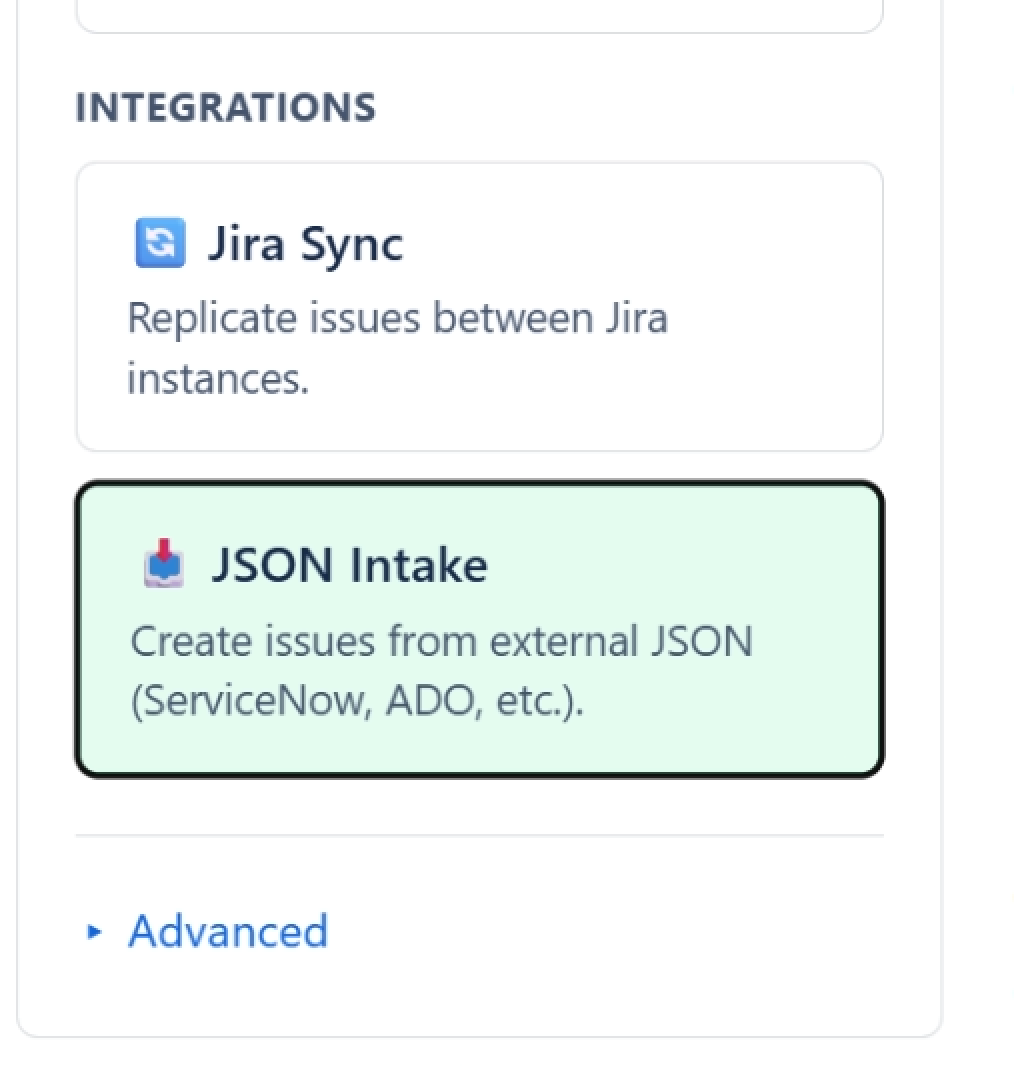
Click on the JSON Intake tab to configure a new Profile and Translator.
Step 2
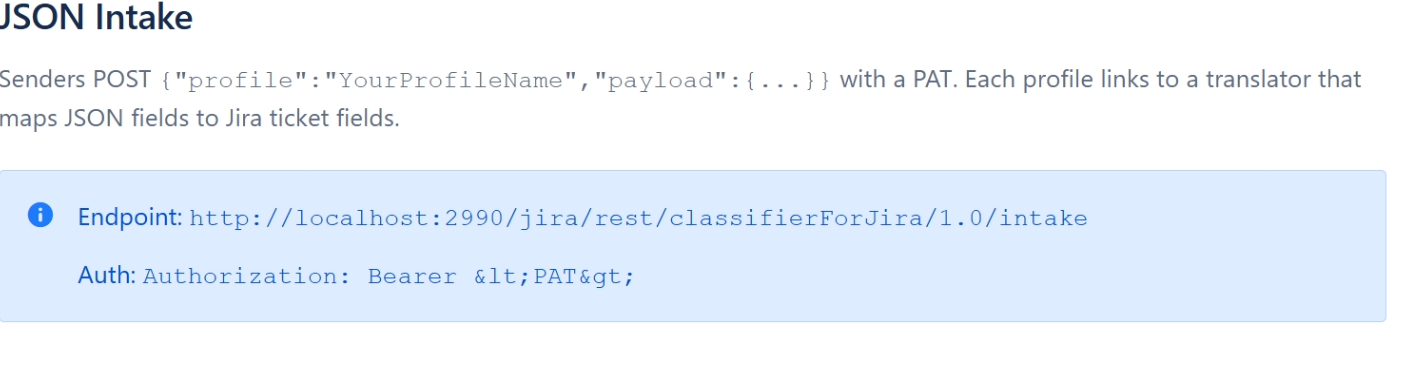
Copy the Endpoint your Non Jira app will need to send its packets too.
Step 3
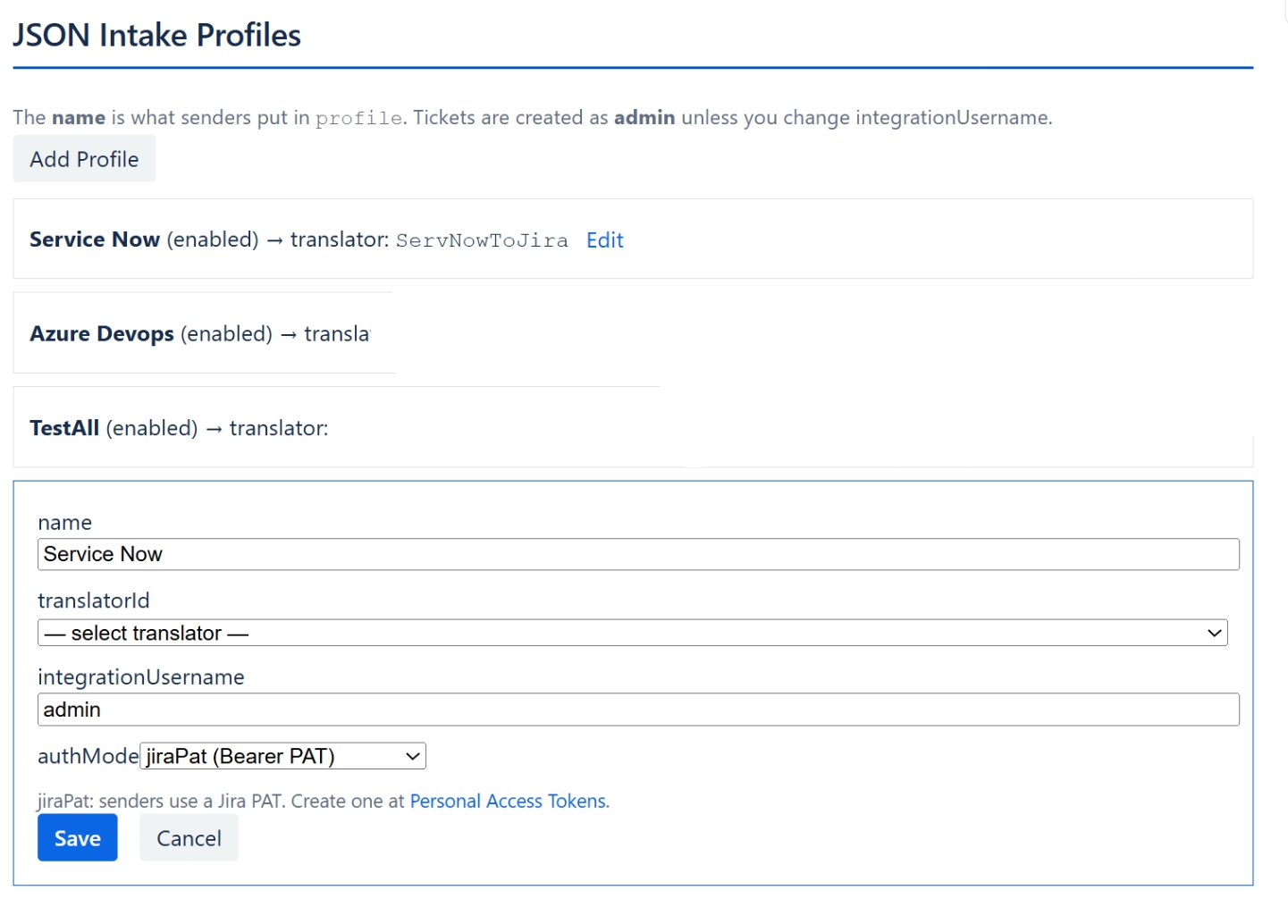
Add a new Profile by clicking the Add Profile button.
Create the Profile first. Name it after the service its importing data from.
After creating a translator, come back here and add the Translator to the profile.
Translators.
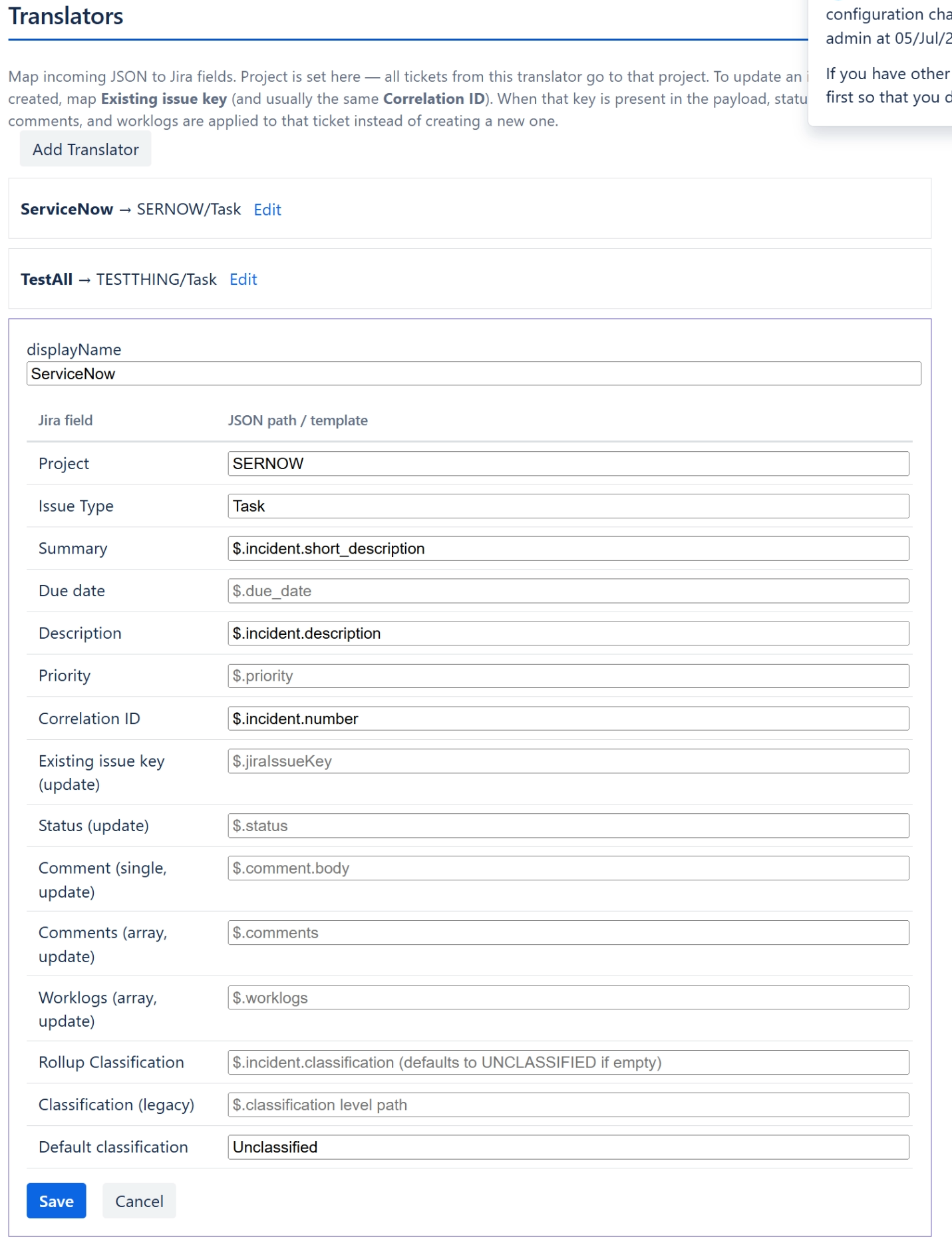
Jira can't control what everyone label's their fields, but we can map them.
Map your JSON to the Jira field it corresponds to.
| You can write | Same as |
|---|---|
incident.number | $.incident.number |
short_description | $.short_description |
comments[0].body | $.comments[0].body |
Don't Forget
Once your translator has been saved, don't forget to go back up to the profile and select the translator you just created.