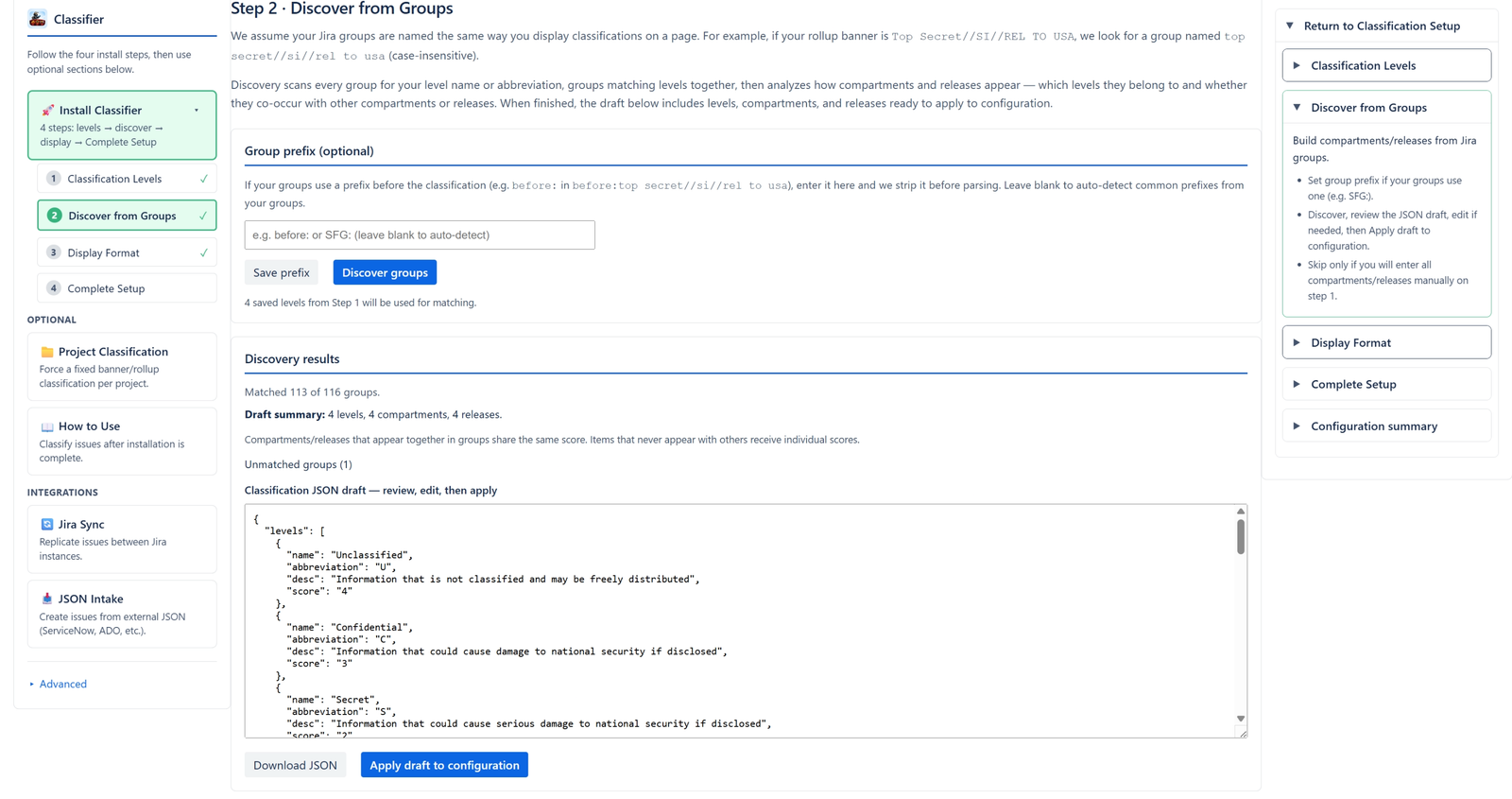
Step Two: Discover from Groups
Let us Discover the classifications from your group
After you have entered your levels, and assigned them scores. Click on step 2, Discover from Groups.
The Rules Behind our Discovery
- We make the assumption your groups are named in the same manner you display classifications on a page.
- For example. if you display Top Secret//SI//REL TO USA as the rollup classification, we assume you have top secret//si//rel to usa in the group name.
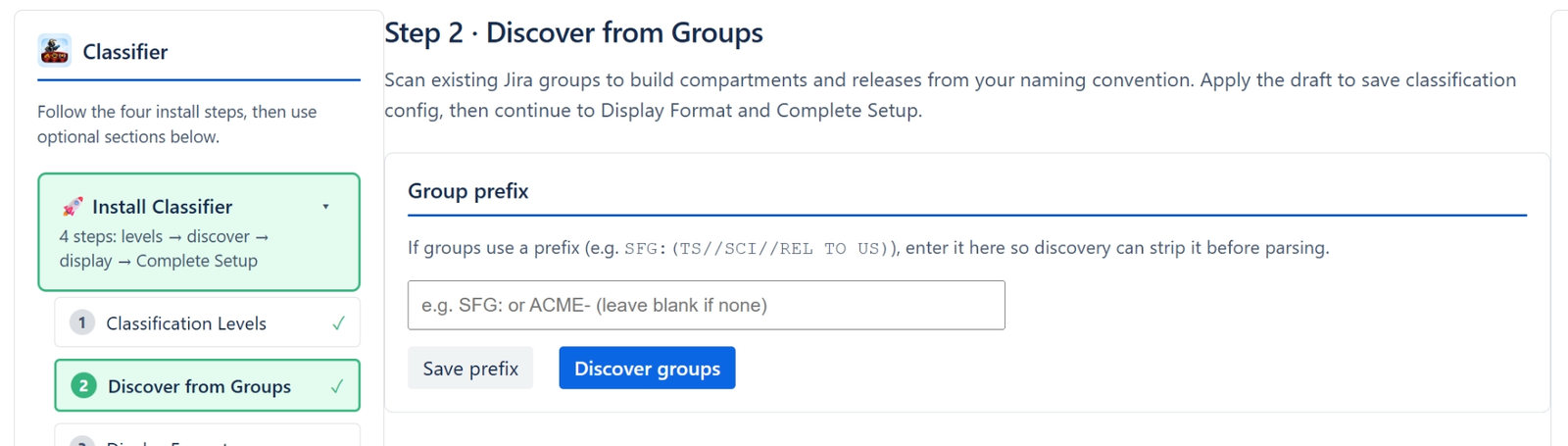
- If you use a prefix like, "before:", enter it in the box above and that will help, other wise we will discover all the prefix's for you.
- We scan all the groups looking for where the name or the Abbreviation of the level is used.
- We group the levels together
- Then we analyze how the compartments are used.
- Which levels are they used in.
- Are they paired with other compartments or not
- We do the same thing with Releases.
When finished, we display a summary or what was discovered complete with a json draft for you to review, edit and then you can apply that to the configuration.