

Step Three: Display Format
Determine the Formating
In this section, you have two formats to tailer the display of the classifications to fit your organizations standards.
- Banner Display Format
- This is how the classification will appear in the banner at the top of the page.
- In Jira Building Blocks you can set the classification using our tool or manually in the following blocks.
- Description
- Comments
- Time Tracking
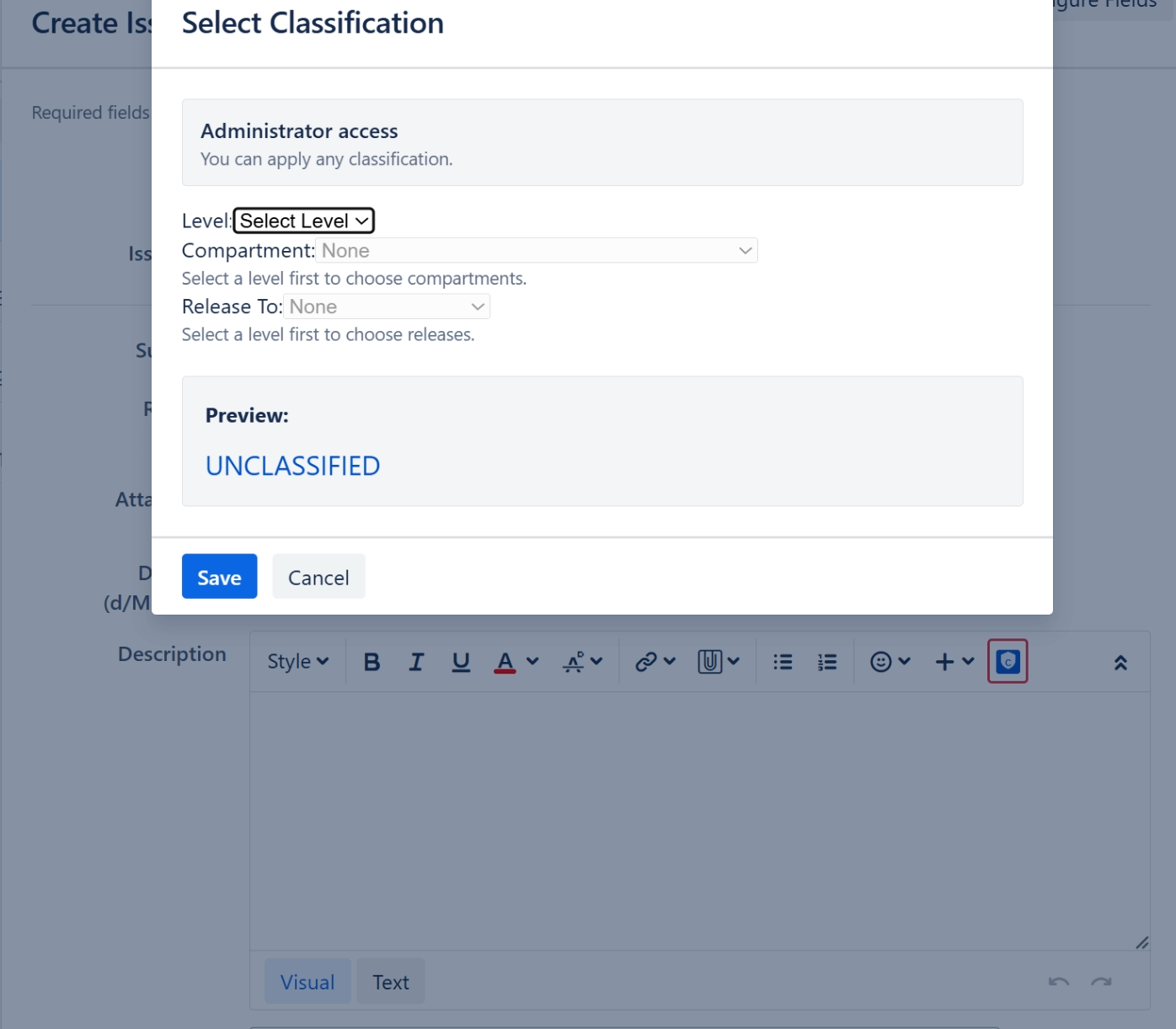
This tool icon is added to the description, comment, and work log entry panels. Click it and you get a description of your access, drop downs for level, compartment, and releases.
Format: Banner Display
Instructions on how to Format for the Banner
Format: Jira Blocks
How to add classifications to content in Description, Comments, and WorkLog