
Goal
Understand how and what to use Action for.
Purpose
The Action signals indicates that a needed action was identified. It highlights and draws attention to the action to help insure it is accomplished. Now you can filter on the Signal and quickly narrow in on the actions that need to be tracked.
Before you begin
have an existing conversation created
Click Signals and select the Action type
Steps
Fill out the common fields as described in Lighting the Watch tower:
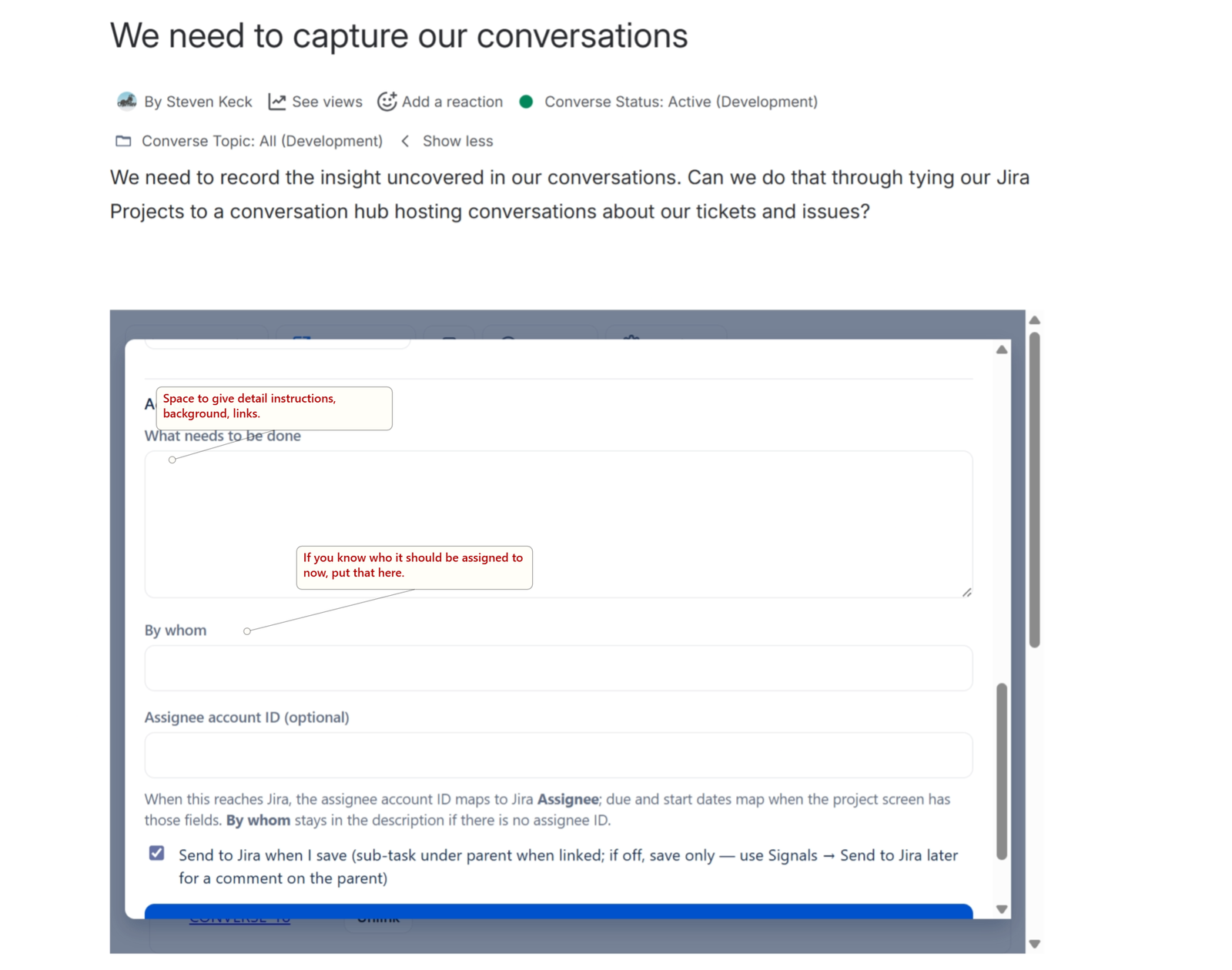
Here is a screen shot of the custom fields for the Action