
Day-to-day work
Feature summary
After the nine required setup steps, daily work happens in the main menu. Settings stays for company rules. Clients, projects, invoices, and reports are where managers live.
When to use it
Use this page as the map. Open the child page for the job you are doing.
How to use it
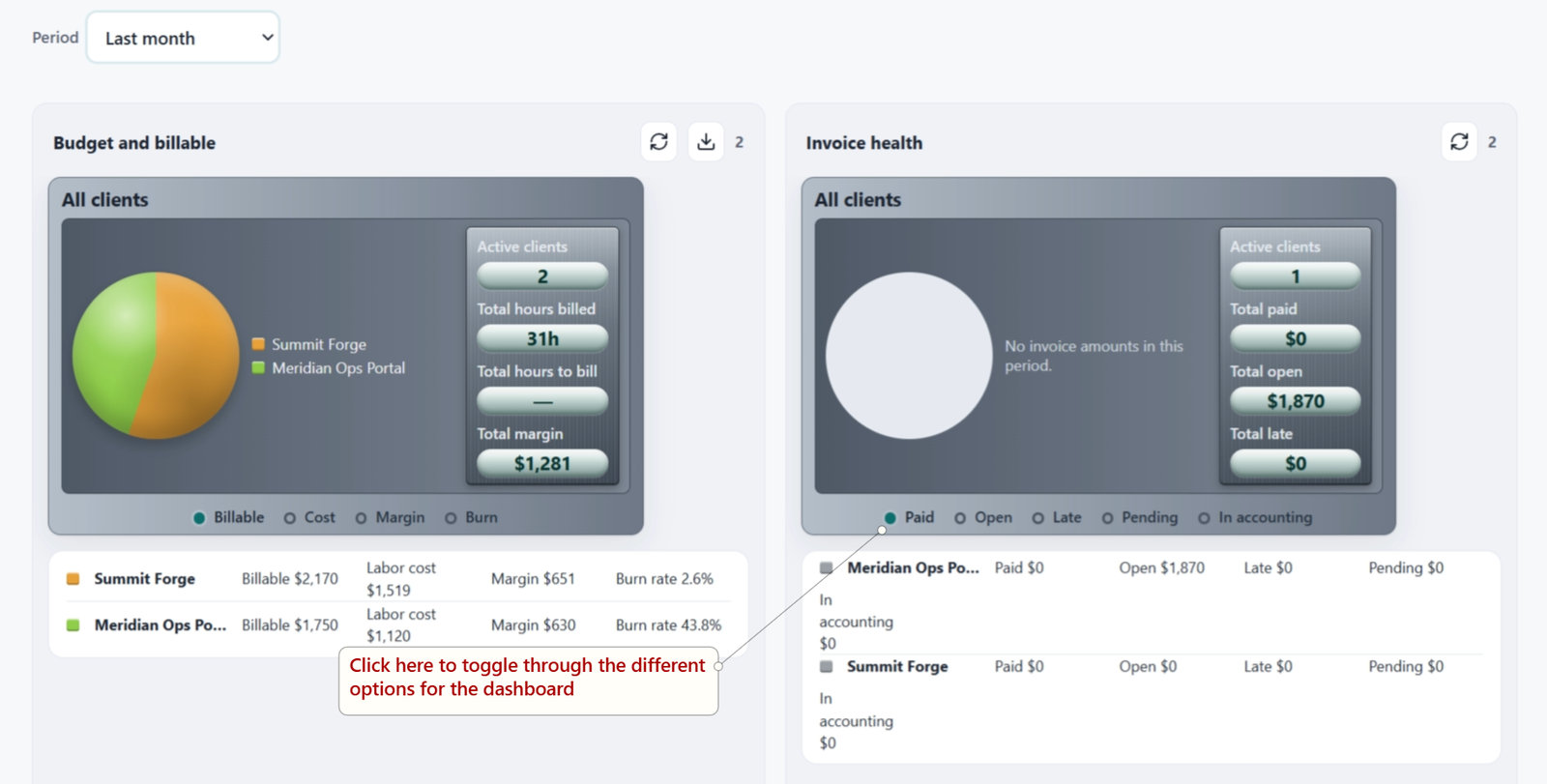
Open Profit Dashboard to see hours, cost, bill, and budget burn for the period. On Advanced this menu item is Cost Dashboard.
Open Clients to change who you bill, their labor categories, or which projects are linked.
Open Projects when a client has more than one space and you need mode, tax, letterhead, or the team.
Open Invoices to build a draft, hand it to accounting, and later mark it paid.
Open Reports for hours by project and invoice totals in the selected period.
Open Settings only when a company rule changes: currency, invoicing, branding, automation, rates, or permissions.
Advanced adds Approvals, Profitability, Cost ledger, Client risk, and Delivery to the same menu. Those stay hidden on Standard.